

Repurposing existing content is one of the easiest ways to scale your advertising creative assets. After running Pictory over three months to transform webinars, blog articles, and podcast clips into social video ads, we share our campaign results, pricing details, and honest review.

Most AI video tools require writing elaborate prompts or importing product details to start generating. Pictory takes a different approach: it ingests your existing long-form content — URLs, zoom recordings, or scripts — and automatically extracts the key takeaways, matches them to relevant stock video footage, and adds automated captions to create social-native video ads.
But does this text-to-video workflow produce ads that actually convert on social feeds? As part of our comprehensive testing of the best AI video ad generators, we evaluated its campaign performance, speed, and overall ROI.
What is Pictory?
Pictory is a cloud-based video creation platform that utilizes artificial intelligence to automatically edit and summarize long-form video, audio, or text content into short, highly engaging social-media clips. It is built specifically for content creators, SaaS marketers, and media buyers who want to multiply their output volume without scaling up editing budgets.
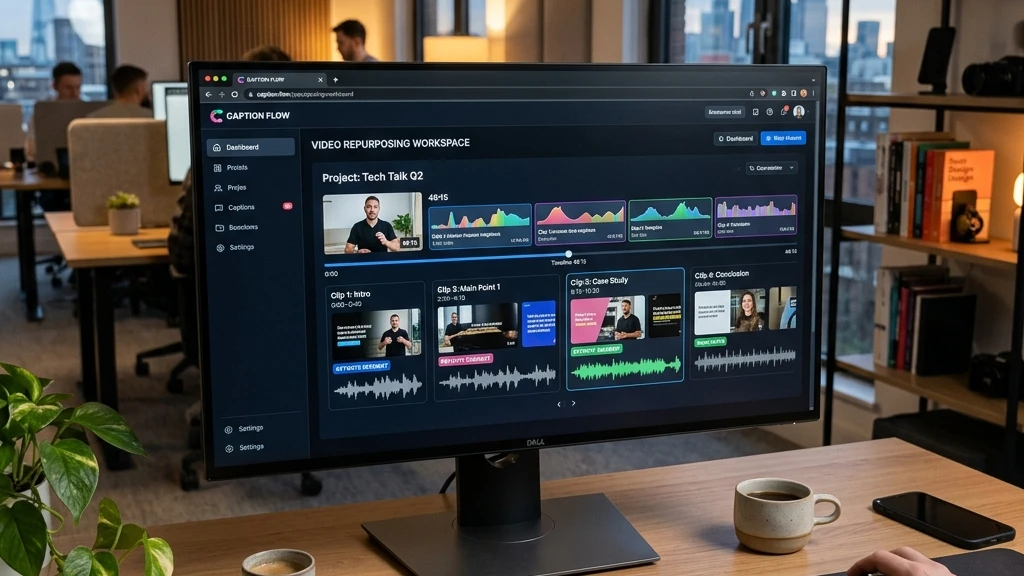
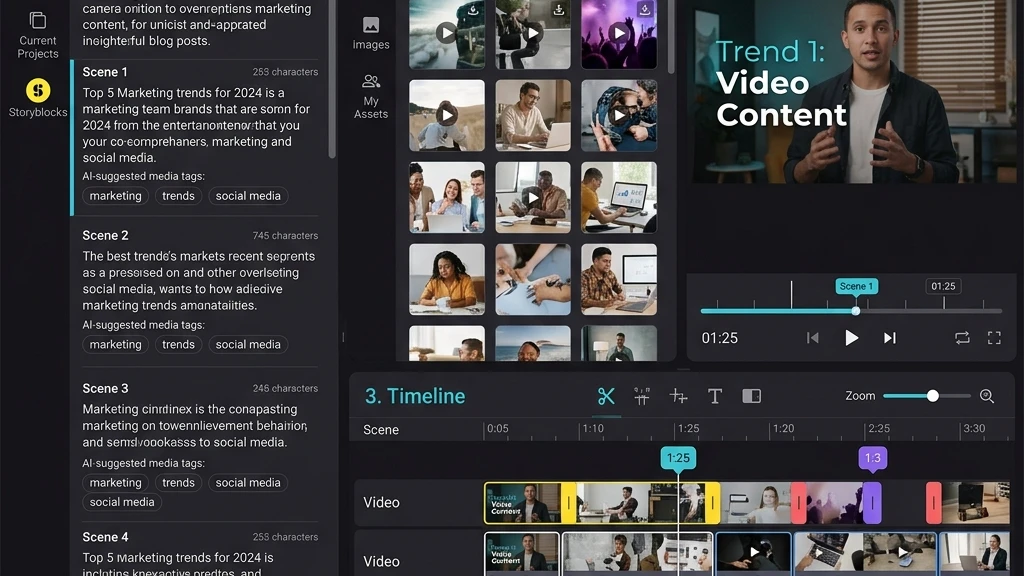
Instead of editing video manually on a timeline, Pictory parses the audio file or text, allowing you to edit the video by editing the transcription directly (e.g. deleting a sentence in the transcript automatically deletes that segment from the video). It also matches the text to stock clips, making the creation of quick explainer video ads remarkably simple.
Key features & capabilities
We evaluated the core elements of the platform:
- Article-to-Video Generator: Simply paste a blog link, and the AI extracts the most important sentences, matches them to relevant stock video, and renders an explainer ad.
- Text-to-Video Editor: Upload webinars or zoom recordings, and edit them via the automatically generated transcript, removing filler words (like “um” and “uh”) in one click.
- Auto-Captioning: Instantly generates precise subtitles, a vital feature since over 80% of social media feeds are scrolled with sound muted.
- Stock Footage Sync: Connects to a library of over 10 million stock video clips and music tracks to represent script statements visually.
Detailed pros and cons
✅ What we loved
- Fastest transcription and subtitle generation tested
- Editing video via transcript saves massive post-production time
- Excellent stock library integration matching text keywords
- Generates high volumes of short-form ad creatives quickly
- Fair entry pricing for individual operators
❌ Areas for improvement
- Stock video matches can sometimes feel generic or mismatched
- AI voice synthesizers can sound slightly artificial compared to HeyGen
- Limited template variety for direct-response ecommerce formats
- Rendering times can lag during busy server windows
Pricing & plans in 2026
Pictory offers tiered subscription plans based on video generation credits and features:
| Plan Tier | Price / Month | Best For | Core Features Included |
|---|---|---|---|
| Starter | $25 / mo | Individual Bloggers | 30 videos/mo, auto-captions, 3 million stock assets |
| Professional Recommended | $49 / mo | Content Marketers & Media Buyers | 60 videos/mo, 10 million stock assets, premium hyper-realistic AI voices |
| Teams | $99 / mo | Marketing Agencies | 90 videos/mo, 3 team seats, custom brand kits and shared folders |
Who is Pictory best for?
📚 Content-Heavy Brands
Ideal for brands publishing regular blogs, podcasts, or webinars who want to feed social channels with constant micro-video ads.
💻 B2B Software Brands
Convert long product webinars, tutorials, and system teardowns into short-form ad segments for LinkedIn campaigns or retargeting.
🚀 SaaS Affiliate Marketers
Easily transform written software guides, reviews, and blog articles into engaging, high-converting YouTube pre-roll ad video creatives.